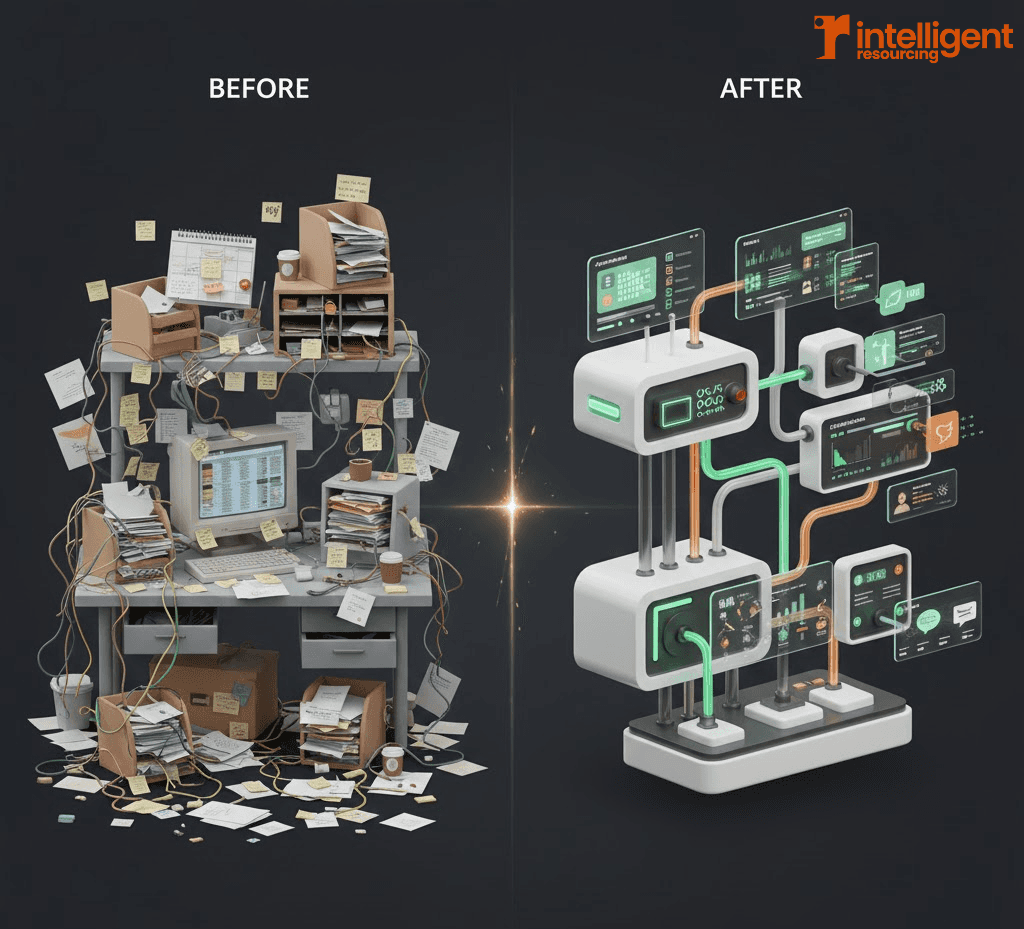

Choosing between Clay and ZoomInfo isn’t just about who offers the cheaper licence. For GTM leaders managing lean outbound teams, especially in AU and APAC markets, the bigger cost questions lie beneath the surface: How much rework will bad data create? What happens when SDRs spend hours verifying contacts? And how much waste comes from workflows that never reach the inbox?
This article reframes Clay vs ZoomInfo pricing through the lens of total GTM cost in 2026. Whether you’re a Head of Revenue, RevOps owner, or CRO evaluating outbound infrastructure, the real question isn’t “what’s the list price?” it’s “what will this system actually cost us to run?”
Let’s break that down, starting with the false economy of tool-first comparisons.
Why GTM Pricing Is Not Just a Tool Comparison
Why licence fees alone distort buying decisions
Licence-based comparisons oversimplify pricing decisions. ZoomInfo may offer “all-in-one” contracts, while Clay charges per enrichment action. But these structures only make sense if your usage aligns with the assumptions behind them which, for lean teams or signal-based workflows, often isn’t the case.
How data quality, verification, and workflows affect cost
Inaccurate or stale data inflates operational overhead. Whether it's bounced emails, CRM rework, or wasted SDR time, poor enrichment hits more than budgets; it hits pipeline velocity and team capacity. According to recent research, poor data quality costs organizations an average of $12.9-$15 million annually, with employees spending up to 27% of their time correcting bad data. The cost isn't just data, it's how much work that data creates.
Framing pricing around systems efficiency, not vendors
Rather than comparing vendor pricing in isolation, GTM leaders should assess pricing within a signal-driven GTM workflow. Which model helps prevent waste, reduce remediation, and support scale with fewer headcount additions? That’s where true cost efficiency lives.
Clay Credits Pricing Explained
How Clay’s Credit-Based Pricing Works
Clay uses a usage-based credit model meaning you’re not paying per seat, but per workflow action. Credits are spent on enrichment tasks like pulling job titles, validating emails, or refreshing stale data.
This structure gives smaller, agile teams room to scale up or throttle down without renegotiating contracts. It also avoids the common waste from idle licences or underused seats.
What Actually Consumes Clay Credits
Each Clay credit corresponds to:
A data enrichment call from tools like Apollo, Clearbit, or LinkedIn
Email verification to prevent bounce and damage
Waterfall enrichment logic, where multiple sources are queried in order
Ongoing refresh and QA workflows, ensuring data stays usable
This granularity gives you control over which actions run, when, and why with conditional logic to avoid credit waste. For teams looking to optimise their Clay workflows, this precision becomes invaluable.
Why Credits Improve Cost Predictability
Instead of guessing whether a seat will be used, Clay lets you model cost per action. This is especially valuable for AU/APAC teams running lean SDR squads:
Spend is mapped to lead activation, not licences
No loss from underutilised seats
Monthly credit usage reflects actual pipeline activity, not sales rep availability
It’s easier to build forecasting models around usage than around contracts based on assumed adoption.
ZoomInfo Pricing in 2026: Annual Contracts vs Month-to-Month Reality
ZoomInfo’s Commercial Model
ZoomInfo operates on a seat-based, contract-driven model. Common contract features include:
Annual licence terms, paid upfront
Fixed seats for SDRs and RevOps
Add-on pricing for modules like Intent, Engage, Scoops, and workflows
It’s positioned as all-in-one, but many outbound teams end up layering additional tools for workflows, verification, and APAC enrichment.
Where ZoomInfo Costs Commonly Escalate
ZoomInfo’s costs often increase in hidden ways:
Paying for inactive users if your SDR count changes mid-year
Limited data refresh, with manual re-enrichment required between syncs
Manual verification overhead, as email quality can vary and bounce handling isn’t automatic
These factors drive indirect costs especially in teams without dedicated data ops.
AU/APAC-Specific Cost Risk
For outbound teams focused on AU/APAC regions:
Lower coverage in APAC datasets means fewer usable contacts
Higher remediation effort to clean bounced emails or wrong titles
Increased SDR time spent manually validating contacts
These regional limitations mean ZoomInfo’s base cost doesn’t reflect the real system cost for APAC-based outbound. That distinction matters.
Cost Predictability Comparison: Clay vs ZoomInfo
Fixed Commitments vs Usage-Based Spend
ZoomInfo offers predictable spend, but only if your usage is stable and full adoption occurs. If your team structure shifts or list-building slows, you’re locked into unused capacity.
Clay provides variable spend based on workflow activity. While monthly totals may fluctuate, this model aligns better with pipeline velocity and SDR headcount changes especially for agile or seasonal GTM teams.

The Hidden Cost of Bad Data
Bad data costs more than credits. It leads to:
Deliverability issues that harm inbox placement bounce rates above 5% can damage sender reputation and trigger suppression from ESPs, putting entire campaigns at risk
CRM cleanup after mass enrichments inject stale or wrong fields
Lost SDR time chasing unreachable leads research shows employees waste up to 27% of their time on data correction
Industry best practices recommend maintaining bounce rates below 2-3% to protect sender reputation and ensure inbox placement.
Why Workflow Control Reduces Spend
Clay's model gives teams more control at each stage of the enrichment pipeline:
Verify before pushing to CRM, so junk doesn't clog systems
Run conditional enrichments, reducing unnecessary API calls
Trigger updates based on signals, not static cadences
This aligns closely with signal-based marketing strategies, where enrichment is driven by intent, activity, or firmographic change not by batch uploads.
How to Model ROI on Outbound Tools
Inputs That Actually Matter
True outbound cost modelling requires factoring in:
SDR cost per hour (typically AUD $45–$60 in APAC markets)
Bounce rate recovery work (manual follow-ups, domain impact)
Refresh latency, where old data stalls pipeline
CRM rework time, especially from inaccurate enrichments
Too many ROI calculators focus only on “leads per dollar” and miss these internal burdens.
Example ROI Scenarios
Let’s compare two stacks:
ZoomInfo-Centric Stack
Annual spend: AUD $48,000
Add-ons: Engage + Intent ($12,000)
Bounce rate: ~7%
SDR rework: 12 hours/week
Cost per activated lead: ~$85
SDR hours per meeting: 5.5
Clay-Led Workflow Stack
Monthly credits: AUD $2,500 x 12 = $30,000
Email verification + waterfall logic built-in
Bounce rate: ~2.5%
SDR rework: 4.5 hours/week
Cost per activated lead: ~$42
SDR hours per meeting: 3.2
In Clay’s case, the spend is tied to actual outbound output, not assumed seat usage.
Why Most ROI Calculators Underestimate Cost
They miss:
Rework time from bounced or mismatched data
Workflow failures from broken integrations or missed signals
Deliverability repair work, which takes weeks to restore inbox health
According to McKinsey research, nearly 40% of B2B sales teams cite poor process orchestration as the leading source of missed revenue targets not lead volume. Understanding what a GTM Engineer does to address these orchestration challenges can be critical for teams looking to scale efficiently.
When ZoomInfo Pricing Still Makes Sense
ZoomInfo can still be the right fit when:
Your target market is entirely US-based
You rely on large, static list-building
You have an internal data operations team
Workflows are manual or basic, with little logic required
In these cases, ZoomInfo’s bundled model delivers scale without requiring enrichment orchestration.
When Clay Pricing Delivers Better Value
Clay is the better choice when:
You rely on signal-driven outbound
Your stack includes multiple enrichment and workflow tools
Your TAM is AU/APAC-heavy
Your GTM team is lean and managing SDR bandwidth carefully
For these teams, Clay reduces stack sprawl and supports smarter activation within a workflow-first GTM system.
Forecast the System, Not the Subscription
Clay vs ZoomInfo isn’t a pricing question, it's a system design decision. Licence cost is easy to measure, but workflow failure, SDR burnout, and CRM repair costs are harder to see and more expensive in the long run.
When comparing Clay vs ZoomInfo beyond surface pricing, map each vendor to your outbound motion, team structure, and regional coverage. The better pricing model is the one that drives a reliable pipeline with the least resourcing overhead.
FAQs: Clay vs ZoomInfo Pricing
1. Why does Clay use credits instead of seats?
Clay's credit model maps directly to usage, making it more predictable for lean teams that don't want to pay for idle licences.
2. Is ZoomInfo more cost-effective for large teams?
Only if usage is consistent and workflows are static. Otherwise, ZoomInfo’s fixed seat pricing can become expensive when SDRs are inactive or coverage is low.
3. How does APAC targeting affect pricing choice?
Clay often wins in AU/APAC because it allows selective enrichment from higher-quality sources, whereas ZoomInfo's APAC data is less comprehensive.
4. Can Clay fully replace ZoomInfo?
For many teams, yes. But others may use both ZoomInfo for bulk data pulls and Clay for verified, signal-based enrichment. Learn more about Clay and Smartlead integration for optimised workflows.
5. Which platform is better for forecasting ROI?
Clay enables more accurate ROI modelling due to usage-based spend and clearer attribution of costs to lead outcomes.
6. What if I don’t use all my ZoomInfo seats?
You’ll still be charged. With Clay, if usage drops, so does cost which is better aligned to outbound fluctuations.
Transform Your GTM Stack from Cost Centre to Revenue Engine
Outbound tools don't operate in isolation. Their pricing shapes how fast your team moves, how clean your data stays, and how much of your spend becomes waste.
Instead of asking "Which is cheaper, Clay or ZoomInfo?", ask "Which tool creates less resourcing drag, fewer sync failures, and a clearer ROI line back to meetings?"
If you're comparing Clay vs ZoomInfo beyond surface pricing, remember that intelligent GTM teams don't forecast tools. They forecast systems.
Work With GTM Engineering Experts
At Intelligent Resourcing, we help AU/APAC teams build signal-driven revenue systems that reduce waste, improve activation rates, and prove ROI through instrumented outcomes.
Build Your Revenue System:
GTM Engineering Services - Design systems that scale with verification gates, dedupe rules, and routing logic
Clay Workflow Expert - Implement stable, cost-controlled Clay workflows
GTM Engineering Pricing - Transparent engagement options and ROI forecasting
Get Strategic Guidance:
Book a Strategy Call - Get a custom cost model for your specific AU/APAC requirements
Related Resources
Clay & n8n API Workflows: Automating GTM Processes - Technical implementation guide
Account-Based Marketing (ABM) Without the Overhead - Framework for efficient ABM